

A practical, action-oriented course to help team members understand emotions, manage conflict, and build a psychologically safe, high-performing Agile team.
- Teacher: Admin User

This mandatory foundational course is designed for all new and junior App Developers joining Tikweb. It provides essential technical knowledge, coding standards, Agile practices, and cross-functional collaboration skills needed to build high-quality mobile and web applications. The course ensures developers can contribute effectively to projects while adhering to Tikweb’s standards for maintainability, performance, and user experience.
- Teacher: Admin User

Exam Overview:
This exam assesses your understanding of project management, client interaction, Agile methodologies, and technical support processes, including DNS and server concepts. You will be tested on both conceptual knowledge and practical application through essay questions that evaluate reasoning and problem-solving skills, and multiple-choice questions that test your familiarity with key tools, processes, and best practices.
Instructions:
- Total Questions: 30 (15 essay, 15 multiple-choice)
- Time Allotted: 60 minutes
- Answer Format: Provide clear, structured answers for essays; select the best option for multiple-choice questions.
- Attempt Rules: Only one attempt is allowed.
- Passing Criteria: 60% or higher.
- Ensure all answers are your own work and submit before time expires.
- Teacher: Abdullah Mahmood
- Teacher: Admin User
This Workshop is designed for developers who want to master modern HTML and CSS techniques for building clean, responsive, and maintainable user interfaces. You'll go beyond the basics to explore semantic HTML, advanced layout systems and responsive design strategies. By the end of the Workshop, you’ll be equipped to build high-quality frontend interfaces with confidence and precision.
- Teacher: Siyam Ahmmed
- Teacher: Admin User
This course equips developers with the skills to effectively navigate Figma, interpret design files, collaborate with designers, and implement pixel-perfect UIs. Participants will learn how to inspect elements, export assets, work with style guides and components, and streamline the design-to-code handoff process using Figma’s Dev Mode.
🧠 What You’ll Learn:
-
Navigating the Figma interface with Dev Mode
-
Inspecting layouts, typography, colors, and spacing
-
Exporting images, icons, and vector assets
-
Understanding components, auto layout, and style guides
-
Best practices for design handoff and collaboration
👨💻 Who It's For:
Frontend and mobile developers who want to bridge the gap between design and development.
🕒 Duration:
2–3 hours (can be split into 2–3 sessions or used in a full-day sprint)
🎯 Final Outcome:
Build confidence working with Figma files, contribute to UI implementation with clarity, and improve team collaboration with designers.
- Teacher: Siyam Ahmmed
- Teacher: Nazmus Sakib
- Teacher: Admin User
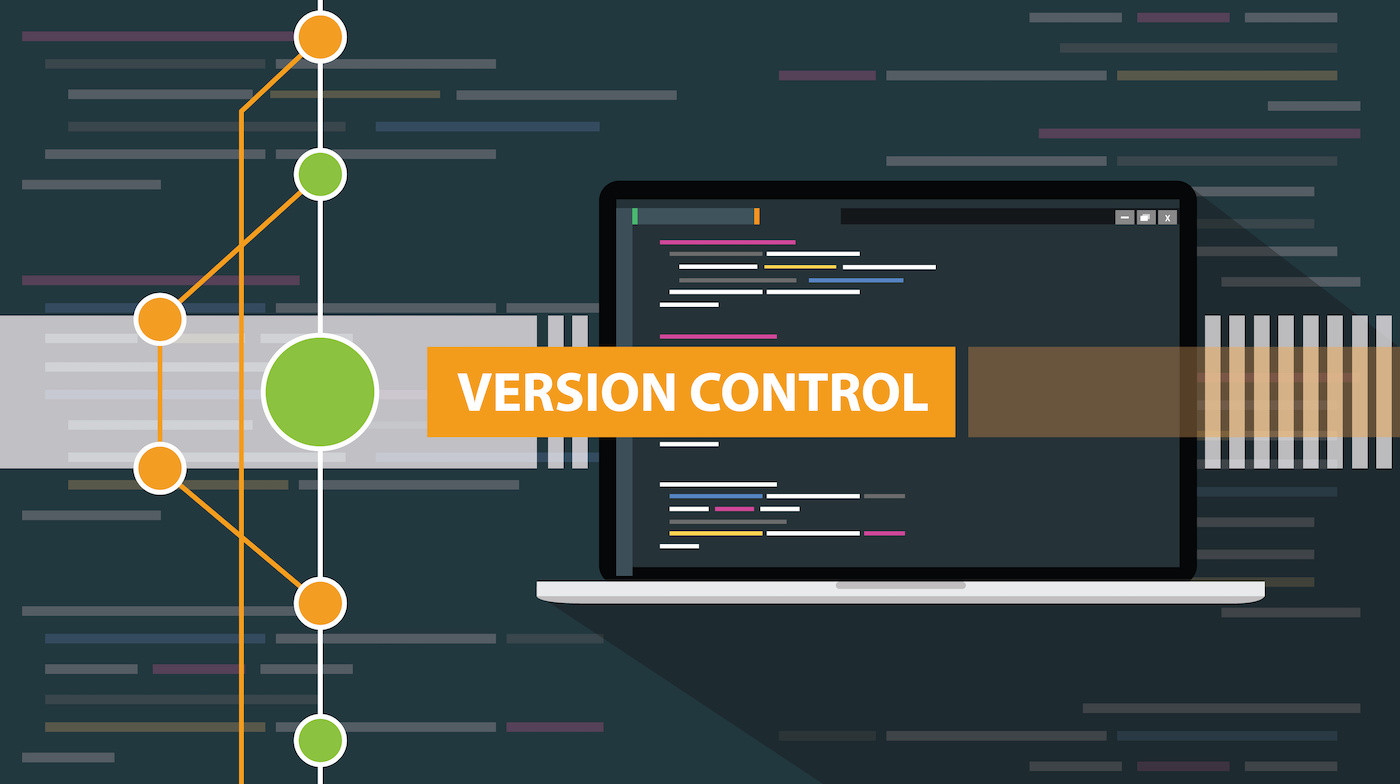
Master Git fundamentals, branching strategies, pull request workflows, and resolving merge conflicts. Learn best practices for collaboration using GitHub or GitLab in real-world team environments.
- Teacher: Admin User